I lied! Kinda. I did some work on my first item and it has progressed nicely, but I got sidetracked by not really liking how my camera was being handled – it was way too choppy when dashing around. So in this short post, I will show how I improved it and share the code in case someone is also facing this.
As a side note, after making this I learnt about the existence of a camera handler plugin. I am in no rush to integrate it into my project, but it seems that it will be worth investigating the moment I need something more than lagging behind from my camera. Since I write my scripts in C# I hope that by the time I need that plugin the support for using it in non-GDScript will be added as it is pointed out here.
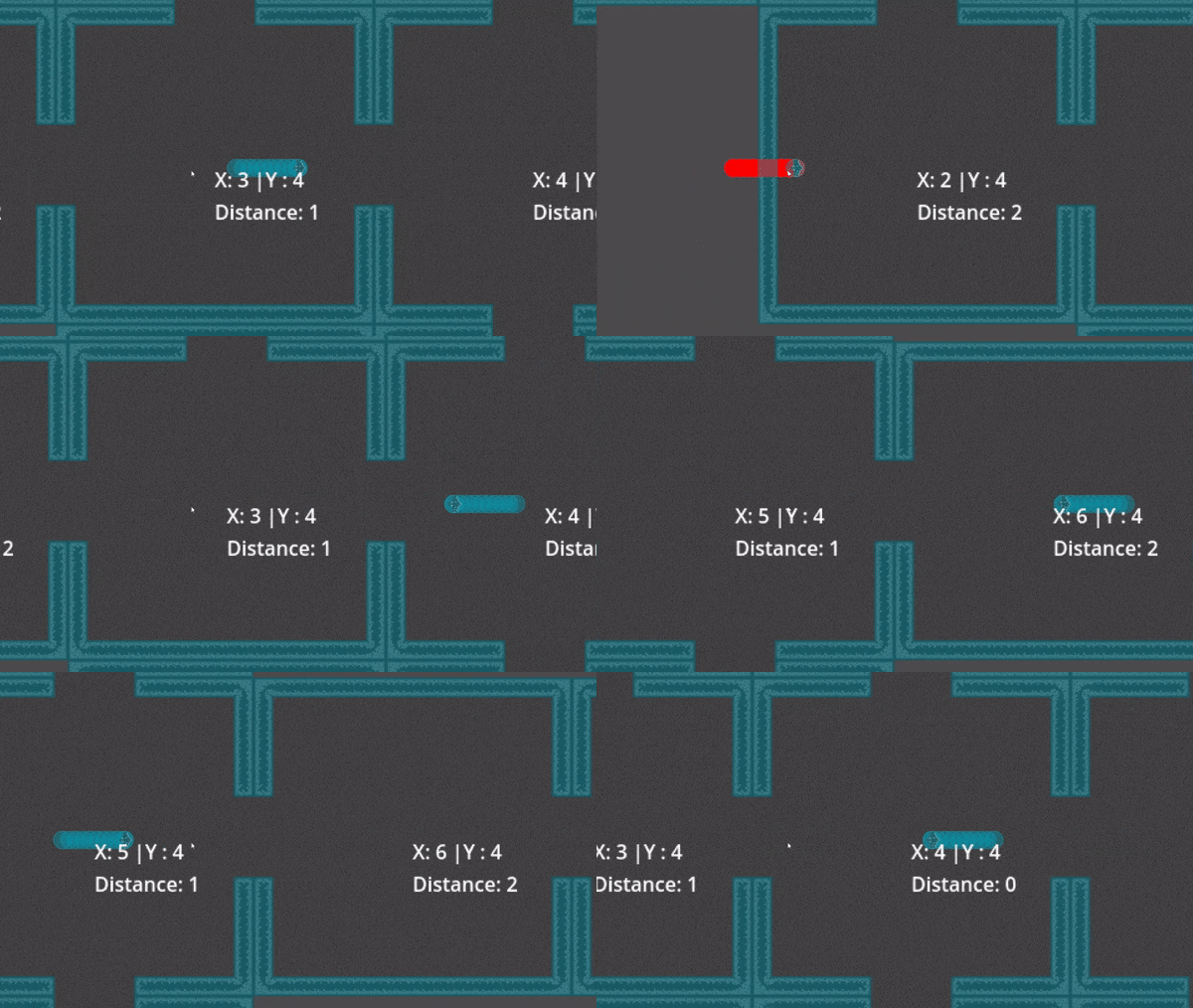
Initially, the camera was just following the player. Simple and easy to implement. This produces a view like this:
(A gid might not be the best way to illustrate it, but my WordPress plan doesn’t allow me videos:/)
So my two small goals were to stop the stiff camera movement and also put in the guards preventing the player from getting “escaping” the camera.
To achieve the first goal I first marked the camera node as a top-level node with this code snippet in the Ready function TopLevel = true;. This way I can keep the camera as the child of the player, which makes the management a bit easier, but also stops the camera node from using the parent node’s transforms. The interpolation between the camera’s current position and the player’s position was handled by this code:
public override void _Process(double delta)
	{
		if (Position != targetNode.Position)
		{
			// Interpolation bit
			Position = Position.Lerp(targetNode.Position, ((float)delta) * currentCameraLerpSpeed);
			if (Position.IsEqualApprox(targetNode.Position))
			{
				Position = targetNode.Position;
			}
			//...
		}
	}
The safeguard was implemented by getting by tracking if the player hasn’t left the safe space (a percentage of the screen) and if they have – snap to the edge of the safe space or double up the lerp speed. The code looks like this:
{
				Vector2 cameraPositionInViewport = GetGlobalTransformWithCanvas().Origin;
				Vector2 targetNodePositionInViewPort = targetNode.GetGlobalTransformWithCanvas().Origin;
				Vector2 screenHalfExtent = GetViewportRect().Size * 0.5f;
				Vector2 safeZoneExtent = screenHalfExtent * screenSafeSpaceRatio;
				Vector2 direction = targetNodePositionInViewPort - cameraPositionInViewport;
				Vector2 directionComparable = direction.Abs();
				Vector2 viewportDiff = directionComparable - safeZoneExtent;

				// The faster speed approach
				// if (viewportDiff.X > 0 || viewportDiff.Y > 0)
				// {
				// 	currentCameraLerpSpeed = defaultCameraSpeed * 2.0f;
				// }
				// else if (currentCameraLerpSpeed != defaultCameraSpeed)
				// {
				// 	currentCameraLerpSpeed = defaultCameraSpeed;
				// }
				// The hard zone approach
				Position += new Vector2()
				{
					X = viewportDiff.X > 0 ? viewportDiff.X * Mathf.Sign(direction.X) : 0,
					Y = viewportDiff.Y > 0 ? viewportDiff.Y * Mathf.Sign(direction.Y) : 0,
				};
}
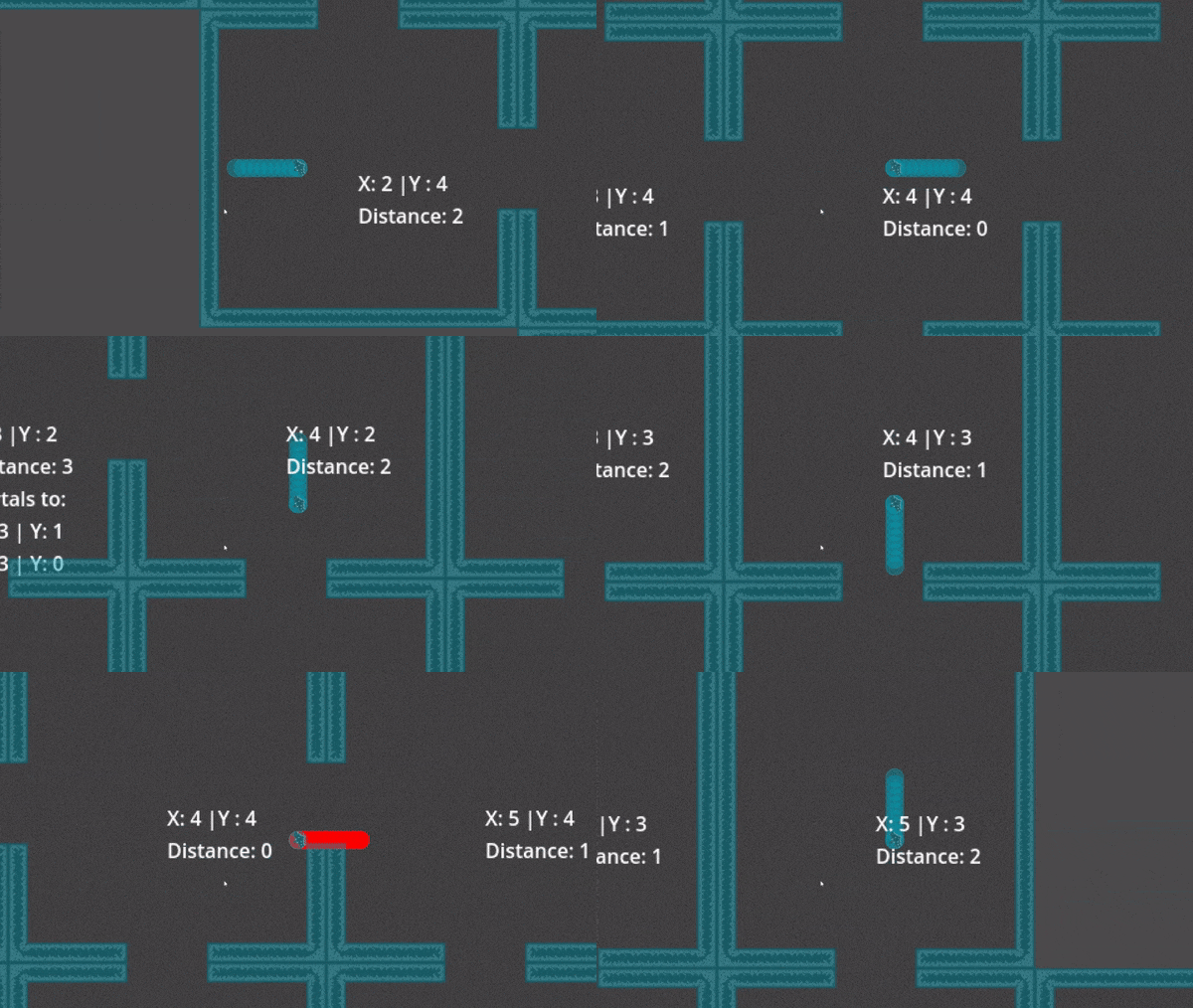
And the results look like this:

Next time I will definitely make a post about the items, this time I just wanted to make a small post!

 Martynas Antipenkovas